
Available for
macOS, Windows and Linux

One prompt. Multiple models. Routed privately through Anyone privacy network.
Use your own API keys, choose your providers, and keep your AI workflow local while requests are sent through anonymous circuits instead of direct provider connections.
Add API keys for the providers you already use, enable the ones you want, and choose the exact model you want to run for each provider. ianon keeps your AI setup in one place, with clear configured/no-key states and provider-specific chat tabs.
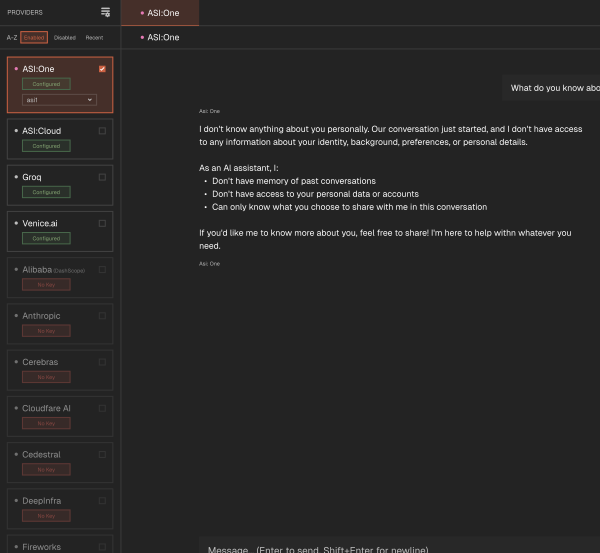
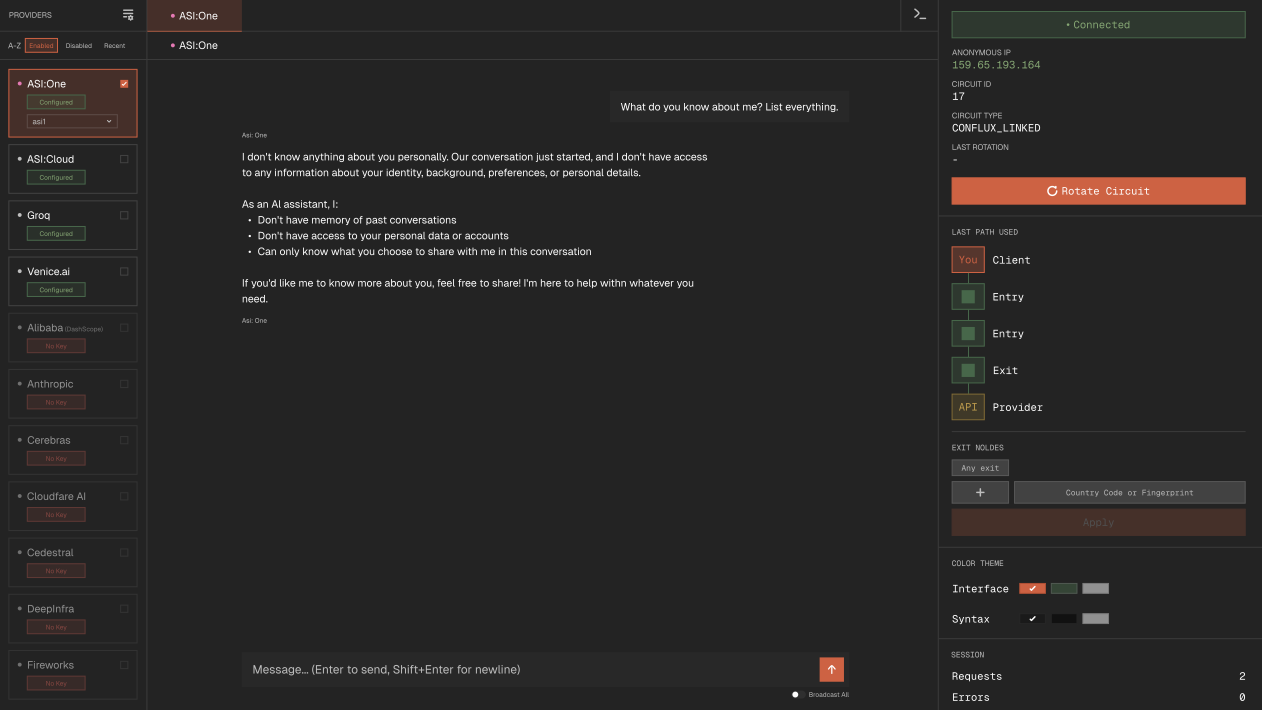
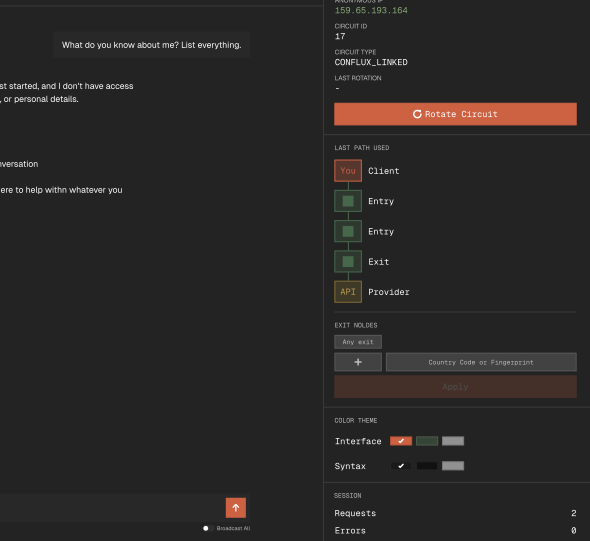
ianon gives you the tools to use AI providers privately, manage models locally, and route every request anonymously through Anyone.

Every outgoing request is routed through Anyone, so providers do not receive a direct connection from your device.

Connect to multiple AI providers from one desktop app, including Groq, ASI, Venice, Anthropic, OpenAI and more.

Choose the exact model you want to use for each provider, directly from the sidebar.

Detect and anonymise sensitive details before your prompt is sent to an AI provider.

Your API keys, settings, and chat data stay on your machine, with no account or cloud sync required.

See your active path and control how requests are routed, with circuit rotation and exit node selection.
$IANON is the token associated with ianon, connecting the app to its wider token ecosystem.
ianon is powered by Anyone community, privacy-first infrastructure, and the token ecosystem behind the project.
Access powerful AI models, scalable infrastructure, and token-based benefits through a pricing system designed for developers and advanced users.

Stake just 1 token and immediately get access to:
Stake tokens to get access to a pool of credits
Top stakers get additional benefits
Powered by

ianon is a local desktop AI chat application that lets you manage and interact with multiple AI providers from a single interface, while routing traffic through the Anyone Protocol anonymity network.
Instead of juggling separate tabs, accounts, and interfaces for multiple providers, ianon puts everything in one place. You can add your API keys, organize providers and models, and switch between them easily.
Broadcast mode lets you send the same prompt to every provider at once and compare their responses side by side.
On install, ianon supports more than 24 AI providers and allows more providers to be added if needed.
You can chat with a single AI provider or broadcast to all enabled providers at the same time.
Yes. To use ianon for free, you need to add your own API keys for whichever providers you want to use.
A paid model that provides access to a wide range of providers and models is planned.
Yes. The app is free to install.
ianon does not include API keys for AI providers. To use provider APIs, you need to add your own API keys.
ianon currently supports macOS Apple Silicon and macOS Intel.
Windows and Linux support is planned.
Broadcast mode sends your message to all enabled AI providers at once and shows their responses side by side.
This is useful for comparing outputs or getting multiple perspectives on the same prompt.
No. Routing through the Anyone Protocol is core to the app.
There is no direct-connection mode, and the app does not send data outside of the Anyone Network.
No. There is no registration, email, or login.
You only need valid API keys for the providers you want to use.
Only your API request, prompt, and model parameters are sent to the LLM provider you select.
These requests are routed through the Anyone Protocol network.
No analytics, telemetry, or extra metadata is sent anywhere else.
Your data is stored locally on your machine.
Chat history, API keys, and settings are written to your operating system’s user data directory.
Nothing is synced, uploaded, or backed up externally.
Yes. All data is stored locally, so you have full control.
You can clear individual chat history or delete all chat history from within the app.
You need:
- 4GB RAM
- Around 500MB disk space
- An active internet connection
- At least one valid API key from a supported AI provider